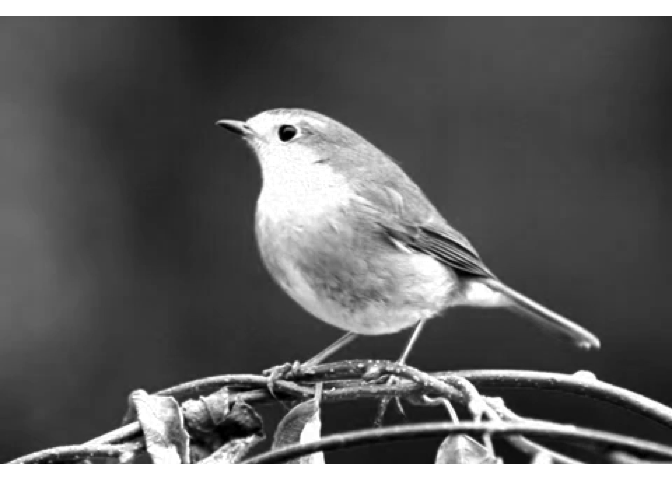
romeo is a minimal R package to reading, writing and validating multiscale OME-Zarr images. romeo also provides helpers and methods to manipulate OME-Zarr images (realized as ome_zarr objects) in the same way one would manipulate traditional arrays in R. For example, you can subset an ome_zarr object using the [ operator, and the subsetting will be applied to all levels of the multiscale OME-Zarr object.
OME-Zarr
OME-Zarr is a cloud-friendly data format for storing large bioimaging datasets, such as microscopy images, that combines Zarr, a chunked, compressed array storage format (https://zarr.dev/) designed for scalable access to multidimensional data, together with OME-NGFF (https://ngff.openmicroscopy.org/) metadata standards for describing multiscale images, labels, and coordinate transformations for bioimaging data formats.
Installation
You can install the development version of romeo like so:
# install.packages("pak")
pak::pak("Huber-group-EMBL/romeo")
Reading OME-Zarr images
This example shows how to read an OME-Zarr image of version 0.4. By default, data are read lazily using ZarrArray.
library(romeo)
library(utils)
omezarrzip <- system.file("extdata", "test_ngff_image_v04.ome.zarr.zip", package = "romeo")
dir.create(td <- tempfile())
unzip(omezarrzip, exdir = td)

x <- ome_read(td)
plot(x, 1)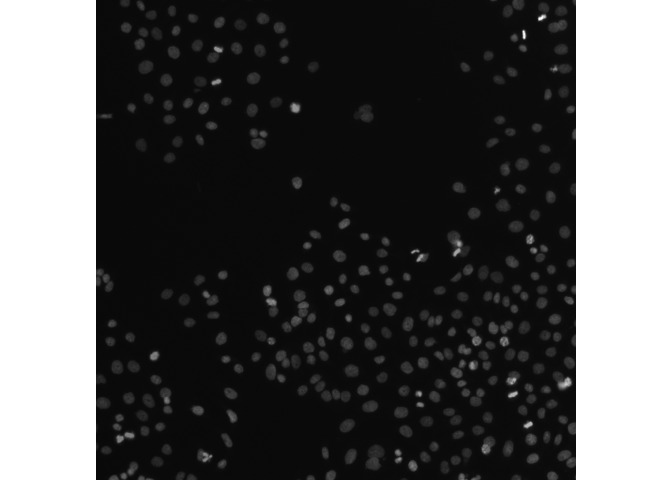
For remote OME-Zarr files, you can use the paws.storage::s3 client to read the data directly from the S3 bucket without downloading it first:
Writing OME-Zarr images
romeo is also capable of writing OME-Zarr images with respect to multiple OME-NGFF specifications (Versions 0.4 and 0.5). See NGFF Specifications for more information.
We use ome_write to write image (or label) pyramids with custom scaling. Here, scalefactors argument specifies the relative scale factor of each space layer (x, y and z dimensions) to the previous layer, e.g. scalefactors = c(2,2,3) generates four layers with scales 1, 2, 4, and 12.
library(EBImage)
img_file <- system.file("extdata", "example_RGB.png", package="romeo")
img <- readImage(img_file)

ome_img <- ome_write(img,
                     path = tempfile(fileext = ".ome.zarr"),
                     version = "0.4",
                     scalefactors = c(2,2,3),
                     storage_options = list(chunk_dim = c(64,64,1)))
plot(ome_img)
#> Only the first frame of the image stack is displayed.
#> To display all frames use 'all = TRUE'.